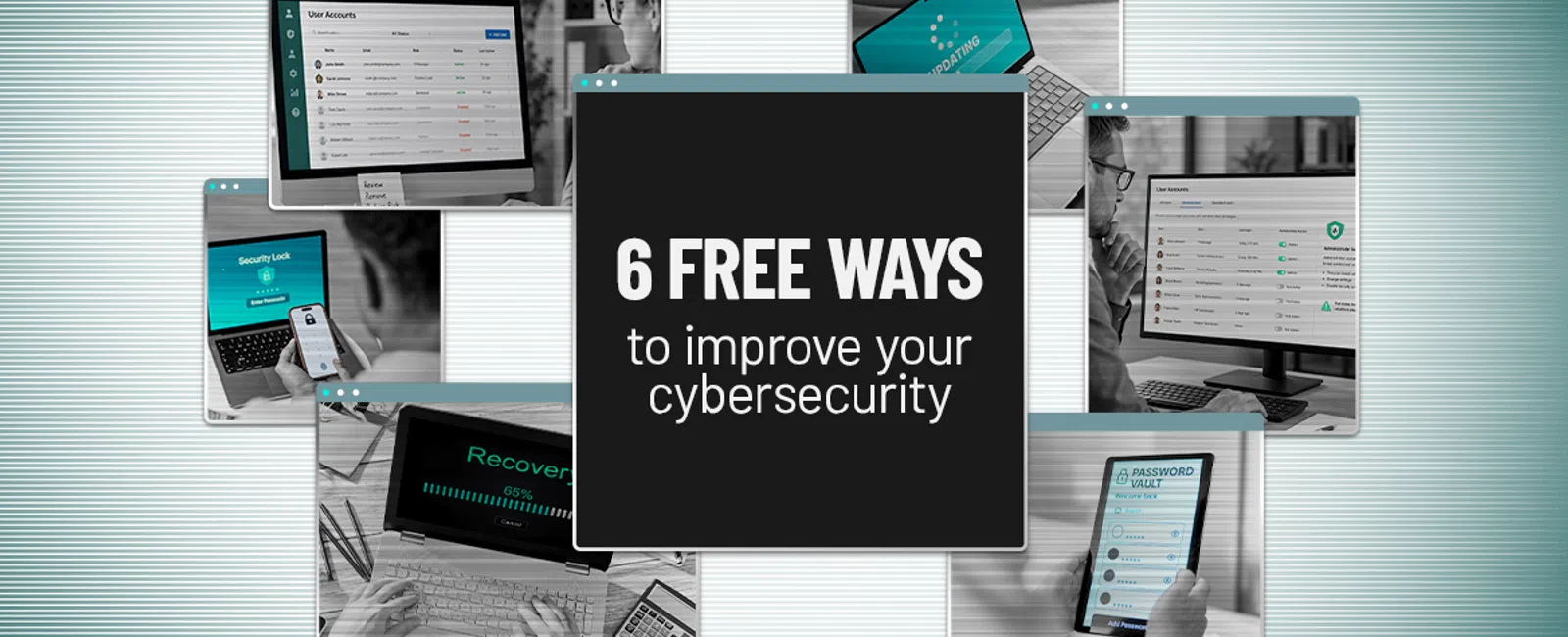
Cybersecurity is frequently framed as a technology issue, yet tools alone do not keep a business safe. In many organizations, the greatest exposure comes from missed basics, delayed maintenance, and inconsistent security habits.
The good news? You can lower cyber risk quickly. Here are six practical improvements you can put in place this week.
1. Activate multi-factor authentication
If MFA is not turned on, make it your first priority. Multi-factor authentication adds a second layer of proof before someone can access an account or system. Instead of relying on a password alone, users must verify their identity with an additional step such as a code from an app or text message, a security key, or a biometric check like a fingerprint or face scan.
With MFA enabled, a stolen or guessed password is usually not enough for an attacker to break in. They still need to bypass the second verification step.
Start with MFA for:
- Microsoft 365 or Google Workspace
- Banking and payroll applications
- Cloud storage
- VPN access
- Business-critical applications
Most platforms include MFA at no additional cost. Turning it on removes one of the simplest openings attackers look for.
2. Eliminate unused accounts
Accounts for former employees, contractors, and vendors can stay active long after they should have been removed. Because these accounts are often forgotten, they can become an easy entry point for attackers.
Audit your user accounts and ask:
- Does this person still work with us?
- Does this account still have a business purpose?
- Does the account have the correct level of access?
If the answer to any of these questions is no, reduce access or delete the account.
3. Limit administrator privileges
Administrator accounts have wide control over your environment. They can install software, change settings, and disable protections, which makes them a high-value target for cybercriminals.
Review access across your organization and ask:
- Does this person need admin access to perform their role?
- Is there a lower permission level that fits their responsibilities better?
- Is administrative access truly necessary for each account that has it?
Remove admin rights wherever possible. Applying least privilege helps reduce the damage if an account is compromised.
4. Enable automatic updates
Attackers often target software with known vulnerabilities. Updates help close those security gaps before they can be exploited.
Make sure automatic updates are enabled for:
- Windows and macOS
- Phones and tablets
- Web browsers
- Microsoft Office
- Antivirus software
- Core business applications
Staying current with updates is one of the easiest ways to block known threats.
5. Adopt a password manager
Strong passwords are important, but expecting employees to remember a different complex password for every account is unrealistic.
A password manager helps teams:
- Generate stronger passwords
- Store credentials securely
- Avoid password reuse
- Share access safely when needed
When employees have fewer passwords to manage, they are less likely to rely on weak or reused ones.
6. Verify that backups can be restored
Backups are only valuable if they can be restored quickly when something goes wrong.
Review your backup process and ask:
- When did our last successful backup run?
- Has anyone tested a restore recently?
- How long would recovery take?
A backup only protects your business if it works when you need it most.
Small improvements can deliver major protection
Cybersecurity does not have to begin with a large investment. It starts by closing the common gaps that create unnecessary risk.
These six actions can reduce everyday threats without increasing costs.
The key is putting them into practice and keeping them in place. We can help you build a focused action plan tailored to your team, systems, and risk profile.
Click here or give us a call at (925) 766-4005 to schedule your free 15-Minute Discovery Call to see where you're exposed and what practical steps to take next.